
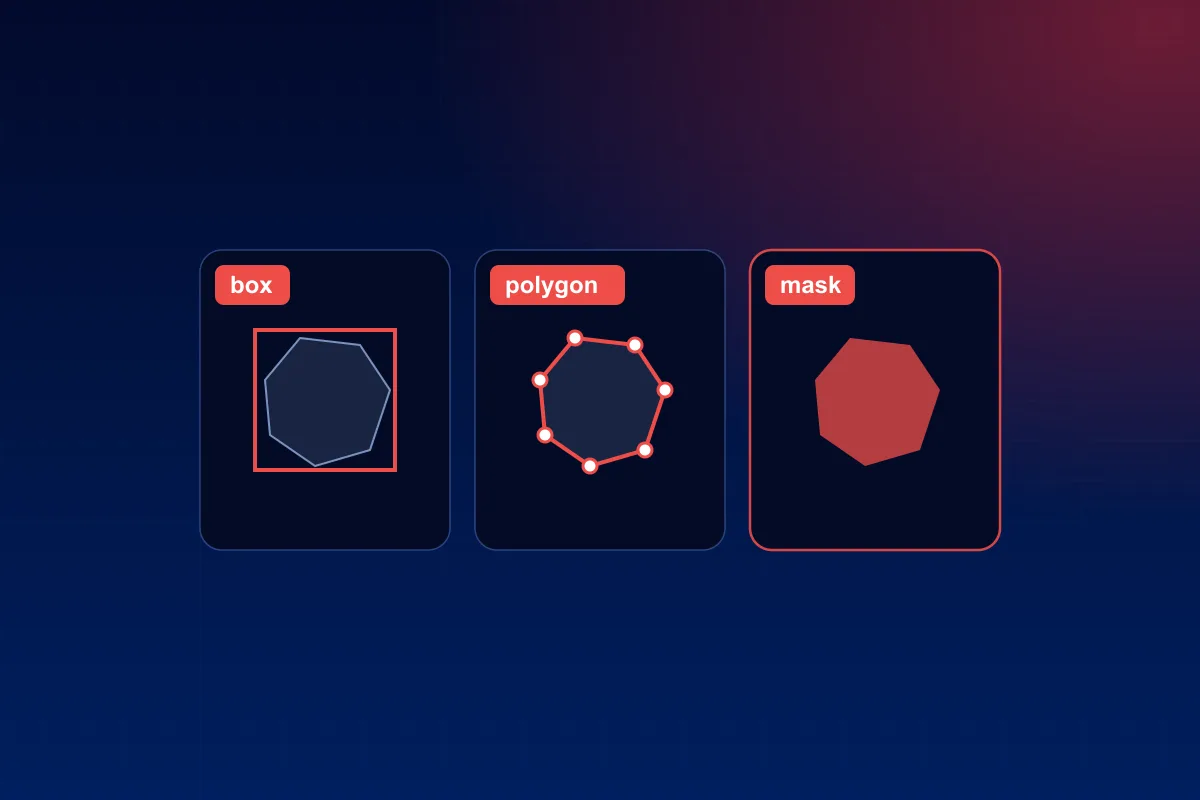
In short: choose the simplest label that gives your model what it must output. A box says where an object is. A polygon says what shape it has. A segmentation mask says which pixels belong to it. Each step up gives more detail and takes more work, so the right choice is the least detailed label that still does the job.
What each label is
- Bounding box: a rectangle around the object. Four numbers.
- Rotated box: a rectangle turned to follow the object. Used for ships and buildings seen from above, and for text at an angle.
- Polygon: a chain of points along the object's outline.
- Semantic segmentation: every pixel gets a class, such as road, pavement or sky. Objects of one class are not told apart.
- Instance segmentation: every object gets its own pixel mask.
- Keypoints: named points on an object, such as the joints of a body or the corners of a document.
- 3D cuboid: a box with depth, drawn in a point cloud or on a camera image.
Match the label to what the model must output
- Find, count or track objects: bounding boxes. See bounding box annotation.
- Measure an area or cut an object out: segmentation. Tumour size, crop cover, background removal. See image segmentation.
- Objects that are thin, bent or tangled: polygons or instance masks. A box around a snake or a cable is mostly background.
- Pose and movement: keypoints.
- Understanding a whole scene: semantic segmentation, as in driving, where the model must know the road from the pavement.
- Distance and size in the real world: 3D cuboids on LiDAR point clouds.
A model learns only what the label shows it. A box cannot teach a model the outline of a tumour. A mask is wasted on a model that only reports "there are three people in the room".
What each one takes
The effort rises steeply:
- A box is two clicks.
- A polygon is one click for every corner of the outline, and a curved object has many.
- A mask has to be right at every pixel of the boundary. It is slow by hand, so most teams use tools that propose a mask for a person to correct.
Those tools have become good. Segment Anything, published by Meta in 2023, was trained on "over 1 billion masks on 11M licensed and privacy respecting images" and produces a mask from a click or a box (Kirillov et al., Segment Anything). A proposed mask is a draft: edges, thin parts and overlapping objects still need a person's eye.
More detail also means more to check. Reviewing a box takes a glance. Reviewing a mask means looking along its whole edge. Plan the review with the label: see how to measure data annotation quality.
How the labels are stored
Agree the file format before work starts. Three common ones for boxes:
- YOLO: one text file per image, "one row per object in class x_center y_center width height format", with coordinates "from 0 to 1" (Ultralytics documentation).
- COCO: one JSON file for the whole dataset. A box is its left edge, its top edge, its width and its height, in pixels. Masks are stored as polygons or as a compact run-length code.
- Pascal VOC: one XML file per image. A box is its left, top, right and bottom edges, in pixels.
The same box, three different sets of numbers. A mix-up here produces labels that look valid and train a model on nonsense.
You can go down, not up
A box can be computed from a polygon or a mask. A polygon can be traced from a mask. Nothing goes the other way without new work.
So when you are unsure, label the richer type on a small batch and train with both. If the extra detail does not improve the model, use the simpler label for the volume. That is what a pilot is for.
Five questions that decide it
- What must the model output: a place, a count, a shape or an area?
- Does the background inside a box hurt? It does for thin, bent and overlapping objects.
- Must objects of the same class be told apart?
- How exact must the edge be, in pixels? Write the number into the guideline.
- Is the extra detail worth the extra work and review? Test it on a small batch before deciding.
Common mistakes
- Choosing masks "to be safe". Detail the model never uses still has to be drawn and checked.
- No rule for tightness. One annotator hugs the object, another leaves a margin, and the model learns both.
- No rule for hidden and cut-off objects. Decide whether a half-hidden car gets a box around what is visible or around its full extent.
- Forgetting small objects. State the smallest size worth labeling.
- Changing the label type halfway. The two halves of the dataset then teach different things.
Where Pripton fits
Pripton Innovations labels images with boxes, polygons, masks and keypoints, video frame by frame, and LiDAR point clouds with 3D cuboids: see image annotation and video annotation. If you are not sure which label your project needs, describe the model's task through the contact page.


